Grok Guide Subscribe
Work

Sketch to production: Grok generates diagrams and manufacturer RFQs
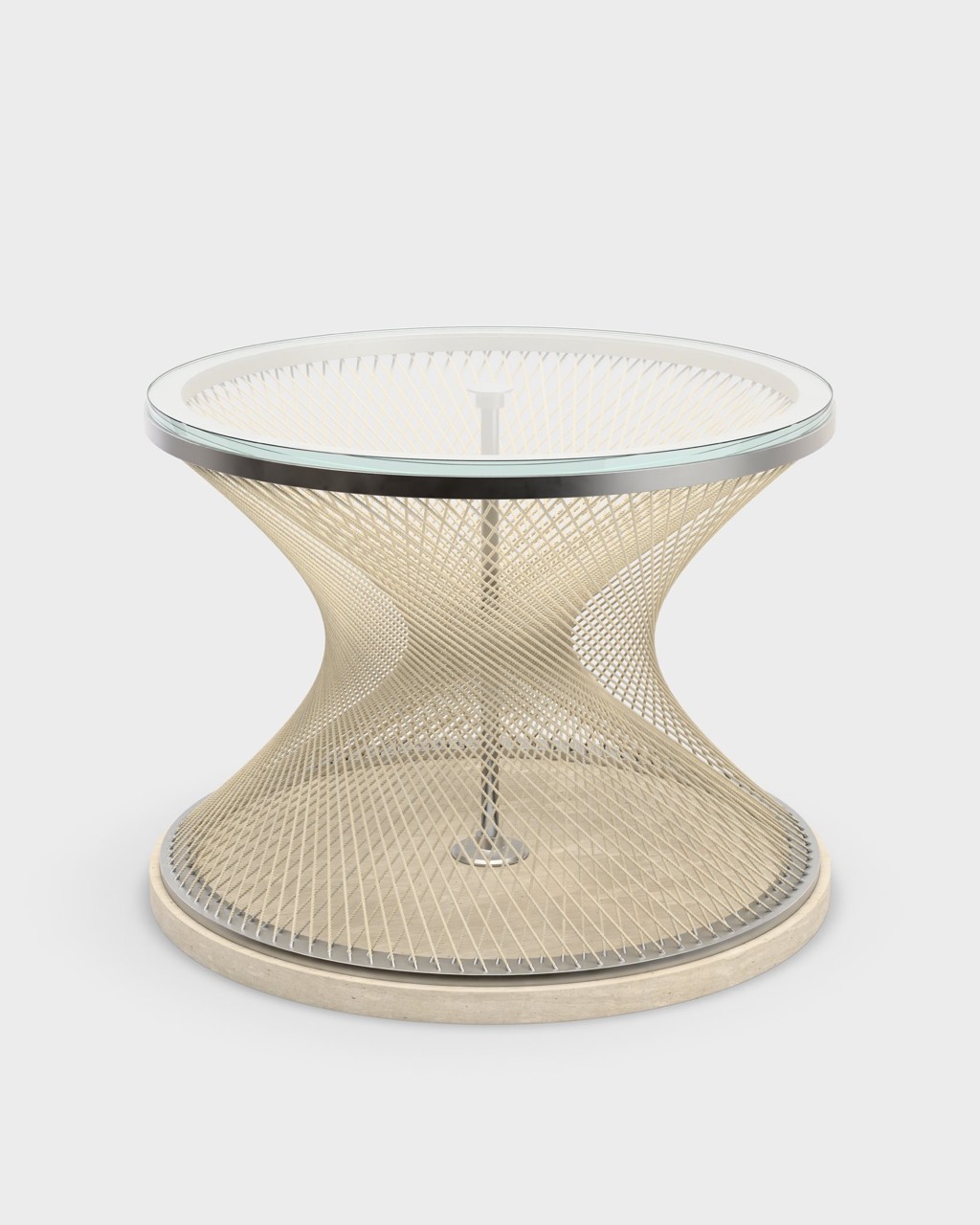
Screenshot: Sketch to production: Grok generates diagrams and manufacturer RFQs

What it does

Upload sketches or 3D models to Grok, which generates technical manufacturing diagrams automatically. Then use Grok to draft RFQs and communicate design requirements directly to manufacturers. This skips traditional CAD expertise and speeds up prototyping.

Why it is worth it

Eliminate the need to learn CAD or spend weeks in back-and-forth emails with manufacturers. Move from concept to production-ready specs in hours instead of weeks.

Related use cases

See all
Screenshot: Support queue incidents: cleared 204 tickets in 10 minutes
WorkOct 20

Support queue incidents: cleared 204 tickets in 10 minutes

Automatically spot incidents in your support queue and respond to all related tickets. Grok drafts and submits responses in bulk, with one engineer approval clearing hundreds of tickets in minutes.

View use case
Result

Turned every product mention on X into a tracked fix for a coding agent.

WorkOct 7

Bug reports lost in the timeline: mentions turned into tracked fixes

Grok reads every mention of your product, files feature requests in the tracker and hands bug reports to a Cursor agent that starts on the fix.

View use case
Result

Sorted uploaded clips, flagged problems and placed them on a Camtasia timeline.

WorkOct 12

Sorting and checking video clips: placed on Camtasia timeline

Upload your video clips to Grok. It listens to each one, sorts them, compares them to your script and flags irregularities. Then it automatically places everything in your Camtasia timeline.

View use case